
UPDATE NEO FEEDER VERSI 3.0.1
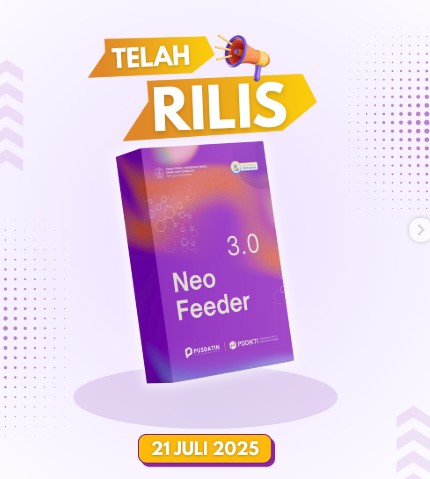
Langkah-langkah Detail Tutorial Update Neo Feeder
1. Unduh Patch v3.0.1
-
Masuk ke PDDikti Admin → Pelaporan → Generate Prefill → Download Prefill + Patch v3.0.1.
2. Backup Data
-
Hentikan Neo Feeder lama (via Services Windows) atau
docker-compose downdi Linux/Mac. -
Backup folder database:
C:\NEO FEEDER\pgsql\(Windows) atau direktori data Docker (Linux/Mac).
3. Inisiasi Prefill
-
Buka Neo Feeder → klik INISIASI DATA.
-
Pilih file prefill dan masukkan kode registrasi → klik EXECUTE → tunggu proses selesai
4. Install Patch v3.0.1
-
Jalankan installer/patchexecutable (Windows: klik “Next”; Linux/Mac via Docker up -d).
-
Pastikan versi berubah ke 3.0.1 di bagian About/Help.
5. Migrasi Data (Jika Memiliki Feeder 4.x Lama)
-
Neo Feeder menyediakan opsi MIGRASI DATA:
-
Isi username/password PDDikti, alamat/port database lama, lalu klik MIGRATE.
-
Bisa antar server atau pada satu mesin.
-
Setelah selesai, cek status migrasi
-
6. Sinkronisasi Ulang dan Cek
-
Setelah instalasi dan migrasi:
-
Start kembali service (Start Service Windows atau docker-compose up -d).
-
Klik menu Sinkronisasi → pilih Sync All.
-
Periksa log untuk error SOAP/WS.
-
7. Troubleshooting Umum
-
Error SOAP/Timeout? Coba:
-
Restart komputer / server.
-
Periksa koneksi internet dan port WS.
-
Cek di Task Manager/Services bahwa service aktif penuh.
-
Kesimpulannya :
- Buka https://pddikti-admin.kemdiktisaintek.go.id/ di Perguruan Tinggi masing-masing
- Lalu Buka Bagian Download Aplikasi
- Setelah Download Aplikasi Neo Feeder 3.0 pada Pddikti admin
- Setelah itu Simpan File di Server lalu Patchnya di Install
- Setelah di Install Restart Server
- Kemudian Buka Web Neo Feeder PDDIKTI dan masuk Login
- Ketika Login Muncul Perintah untuk melakukan Sinkronisasi Neo Feedeer Pddikti V.3.0
- Setelah Sinkronisasi Berhasil maka Neo Feeder dapat digunakan Kembali